Your screenshots,
automatically protected
ShotKeep scans your photo library locally, identifies important screenshots like payments, orders, and verification codes — then keeps them safe. No cloud. No risk.
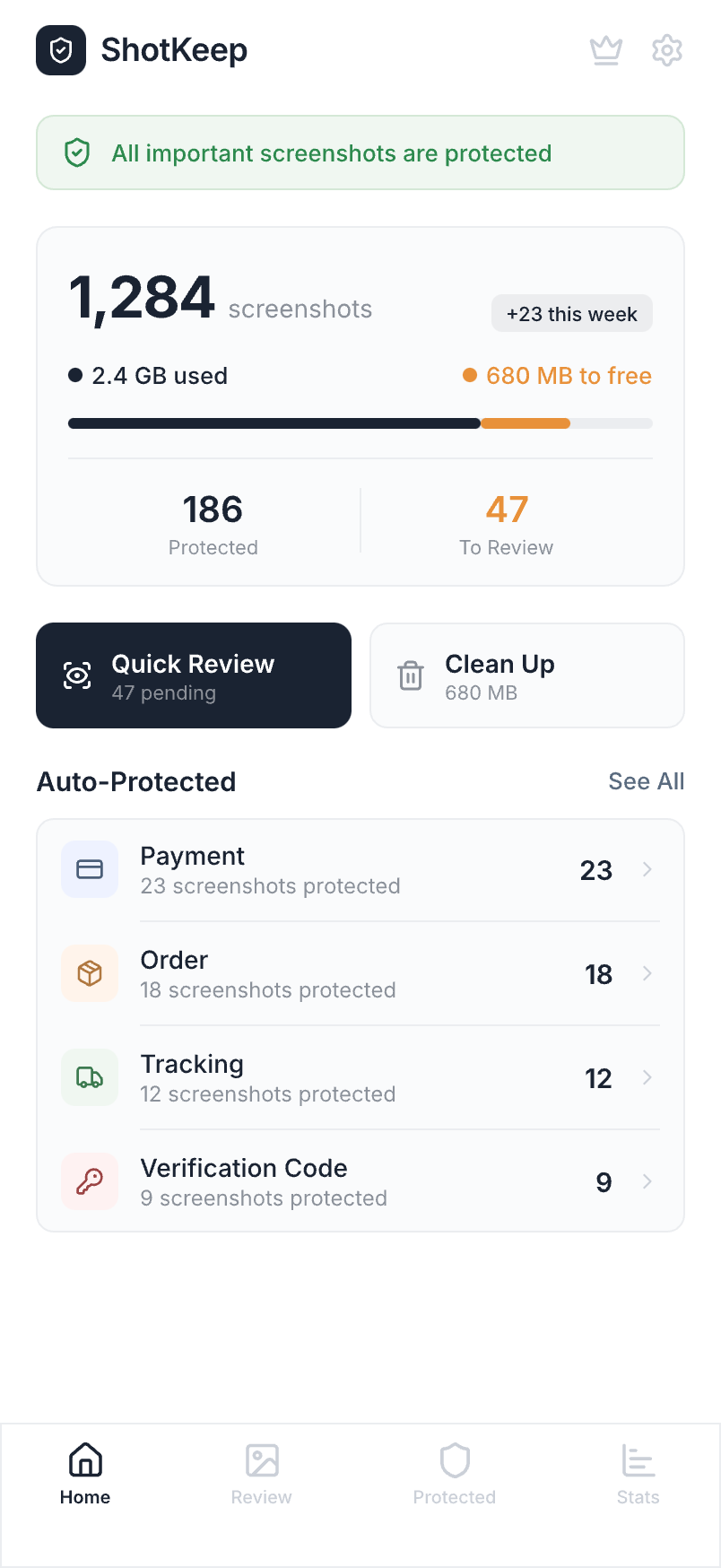
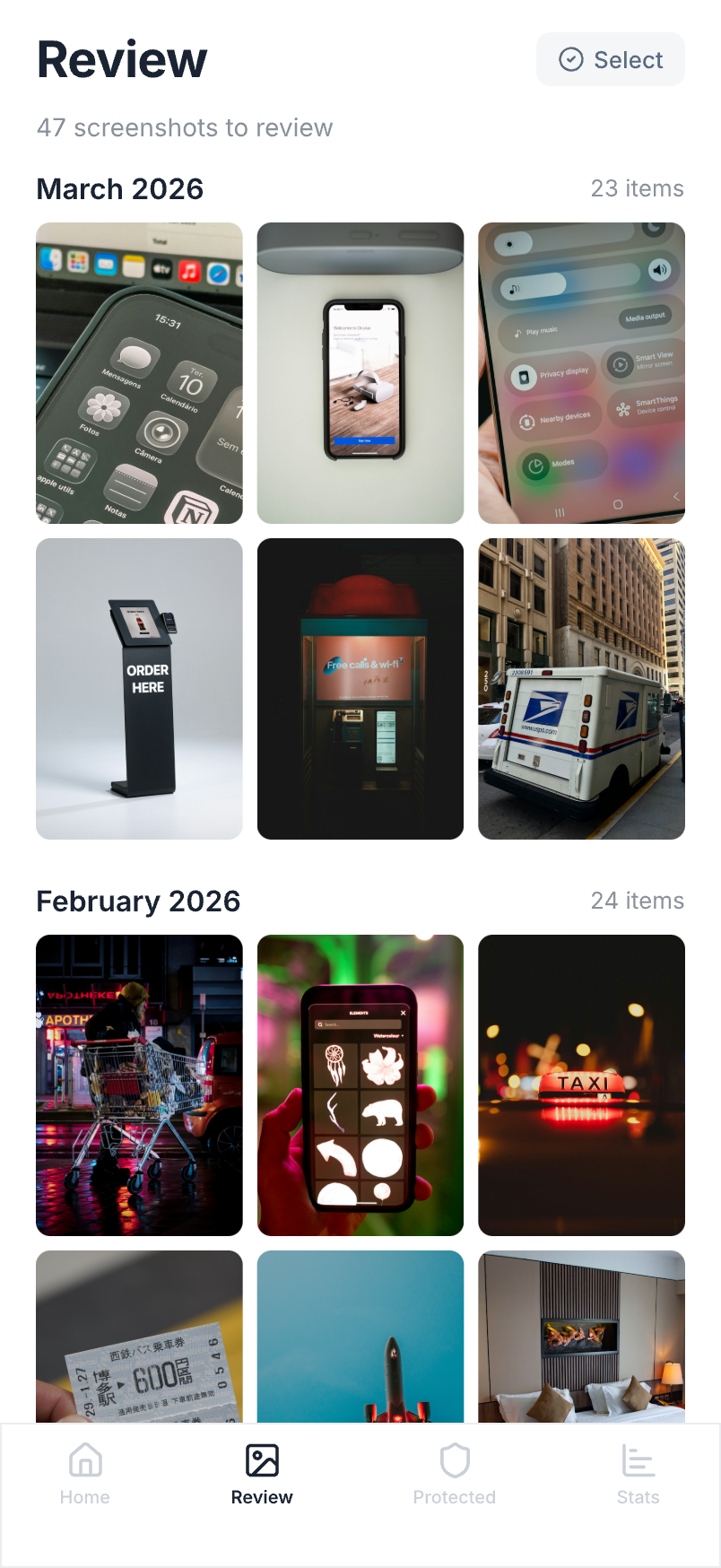
Your photo library is a mess.
You just don't know it yet.
The average iPhone user has 2,400+ screenshots. Most are forgotten receipts, expired codes, and outdated confirmations buried in your camera roll.
You screenshot a payment confirmation, then spend 10 minutes scrolling through thousands of photos trying to find it when you need a refund.
Hundreds of outdated screenshots eating up your storage. You know you should clean them up, but who has time to go through them one by one?
Bank details, verification codes, and personal info sitting unprotected in your camera roll. Anyone who picks up your phone can see them.
Three steps to a cleaner
photo library
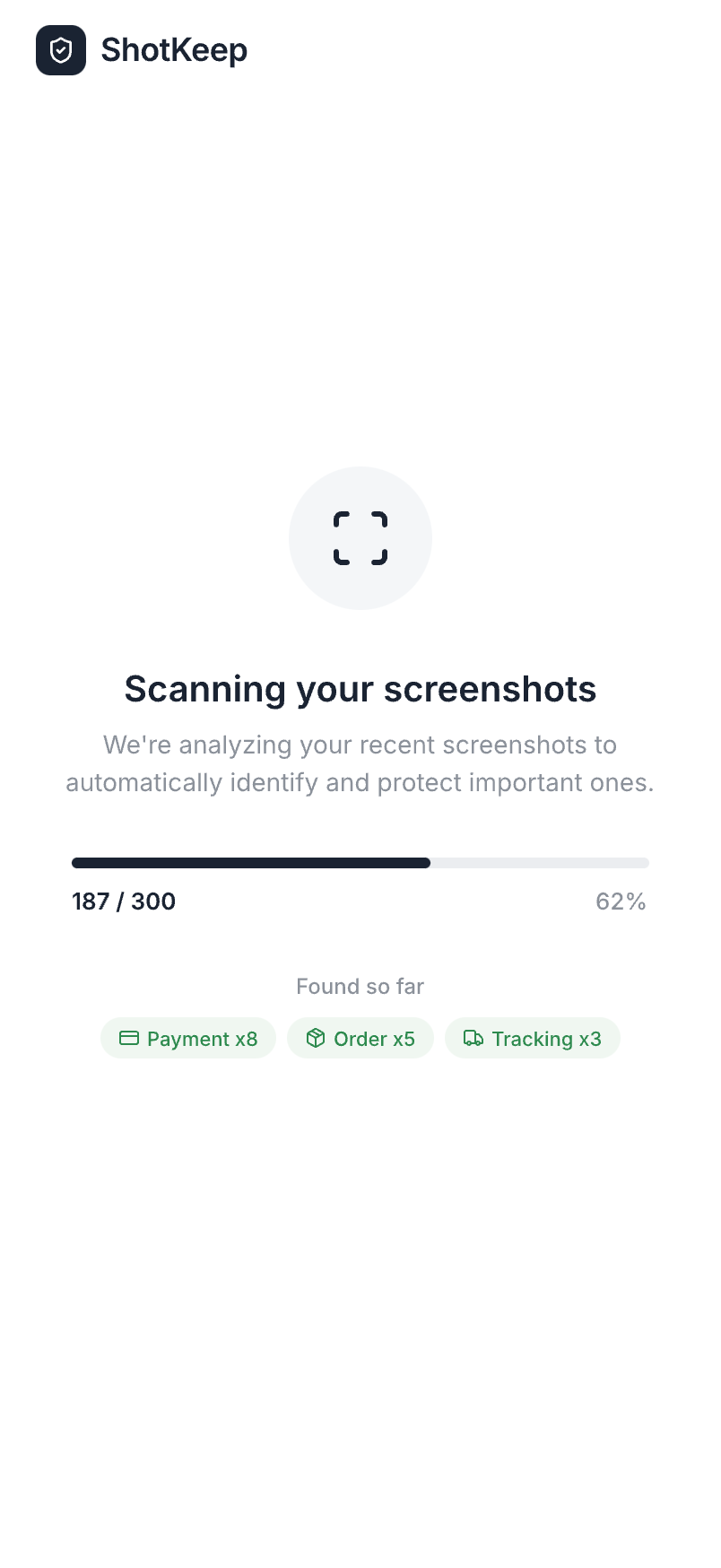
Automatically finds your important screenshots
ShotKeep uses on-device AI to scan your photo library and identify screenshots that matter — payment receipts, order confirmations, verification codes, and more. Everything stays on your device.
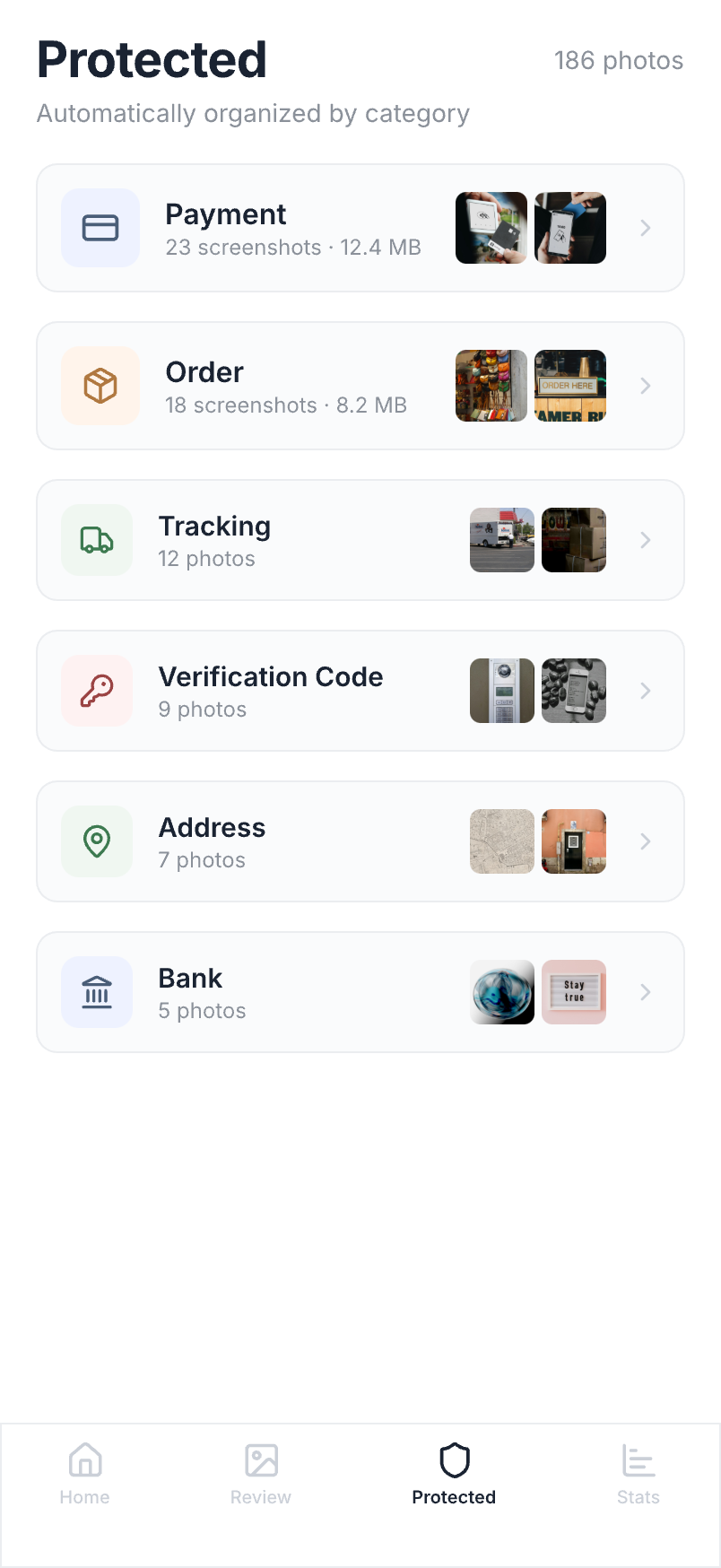
Smart categories, zero effort
AI automatically sorts your screenshots into 12 categories — payments, receipts, order confirmations, verification codes, and more. Everything organized without lifting a finger.
Batch delete, instantly free space
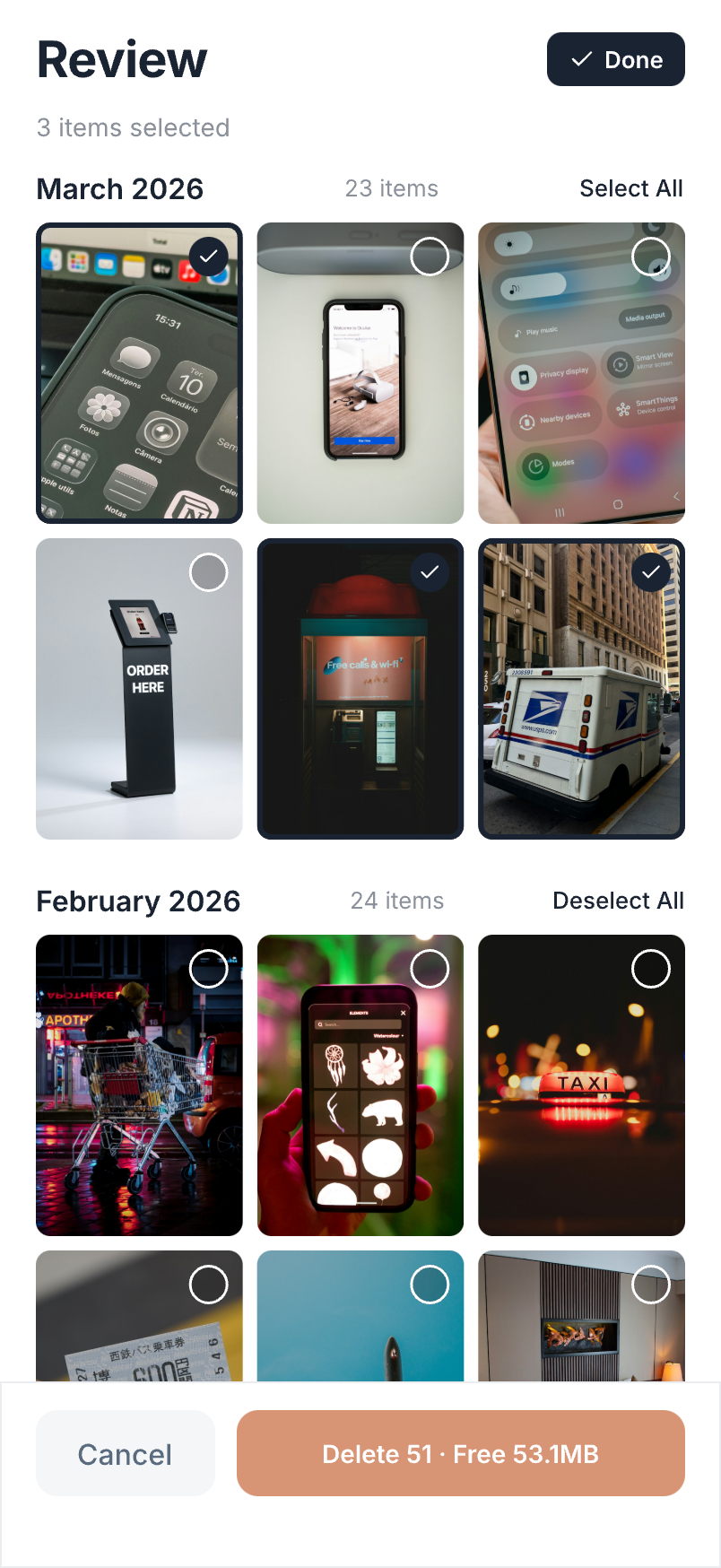
Review screenshots one by one with Quick Swipe, or select multiple at once for batch cleanup. See exactly how much storage you'll free up before you delete. Your protected screenshots stay safe.
Loved by thousands of
screenshot hoarders
“I had over 3,000 screenshots. ShotKeep found 400+ payment receipts I completely forgot about. Cleaned up 2GB in minutes.”
“Finally an app that actually respects privacy. Everything runs on-device, no creepy cloud uploads. And it correctly identified all my WeChat Pay screenshots.”
“I use the quick review feature every week. Swipe left to delete, swipe right to keep. My phone storage went from 95% full to 60% in the first month.”
Choose the plan that works for you
- On-device AI scanning
- 12 smart categories
- Batch delete up to 20
- Everything in Free
- Unlimited batch delete
- Priority support
- Everything in Free
- Unlimited batch delete
- Priority support
Frequently asked questions
Yes. ShotKeep processes everything on your device using on-device machine learning. Your screenshots are never uploaded to any server. We literally cannot see your data — the app works entirely offline.
Stop losing important screenshots.
Start protecting them today.
Join thousands of users who trust ShotKeep to keep their screenshots safe and organized.
Download on the App StoreFree · No account required · Works offline